Where and how to look for information
The Internet has now become a powerful source of information and resources today.
There is so much data it contains that the process of searching and locating what we need can be difficult. Below, we show some notions that may be useful to you.

Where can I look for the information?
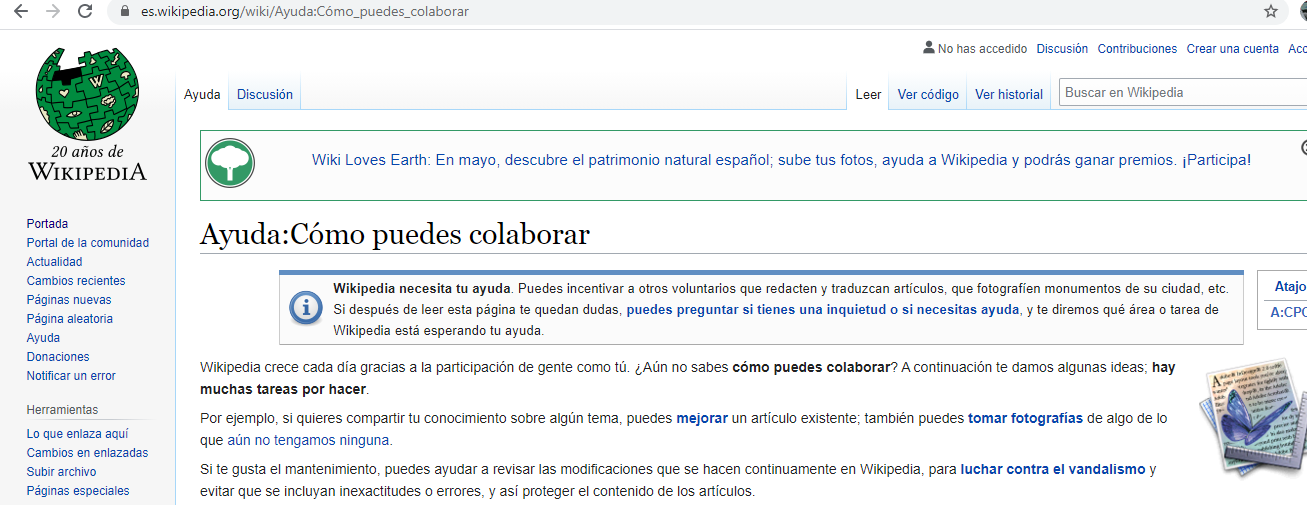
The simplest thing is to use a search engine (a computer system that allows you to search for information of all kinds on the Internet), the best known is Google, in it, you must describe the topic on which you need information.

But there are other more specific tools such as Wikis and online encyclopedias (They are websites where the users themselves create the contents. For example: Wikipedia, Enciclopedia Libre Universal en Español...).
How can I search for the information?
To search for information on Google, type the topic you need information on in the search engine and a list of websites that contain related data will appear.
Tips for a more effective search:
- Be concise and specific, avoid very general words.
- Narrow your search by selecting: images, videos, news, etc.
- In Tools, you can select the country, language, date,...
- Use quotes to find a literal phrase.
- Use the + or - signs in front of a word, to (+) include or (-) exclude said words.
How to search for information within a document?
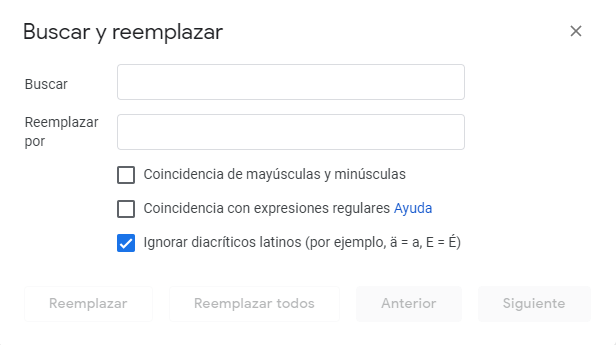
To search for information within a document, follow the steps:
- Select above in the menu: Edit -> Find and Replace.
- Enter the word you are looking for.
- Click on “next” to advance through the document.
How to search for information within a web page?
When we are consulting a web page, sometimes we are interested in locating a specific word, to do so use the “Search on the page” option, which depending on the browser is in one menu or another, but the CTRL + F key combination works in all of them.
When we are consulting a web page, sometimes we are interested in locating a specific word, to do so use the “Search on the page” option , which depending on the browser is in one menu or another, but the CTRL + F key combination works in all of them. .

Some browsers allow you to highlight words or further fine-tune your search by being case-sensitive or entire words.