If you choose a device to store
Folder management
Create folder: To create a new folder, right-click and choose “New Folder”, give it a name and press “Enter”.
Rename folder: To change the name of a folder, right-click on a folder and select “Rename” or “Rename,” then type the new name and click “Rename” or “OK.”
Move files from one folder to another. Select the file you want to move and cut it. Then go to the folder where you want to move it and paste it.

File management
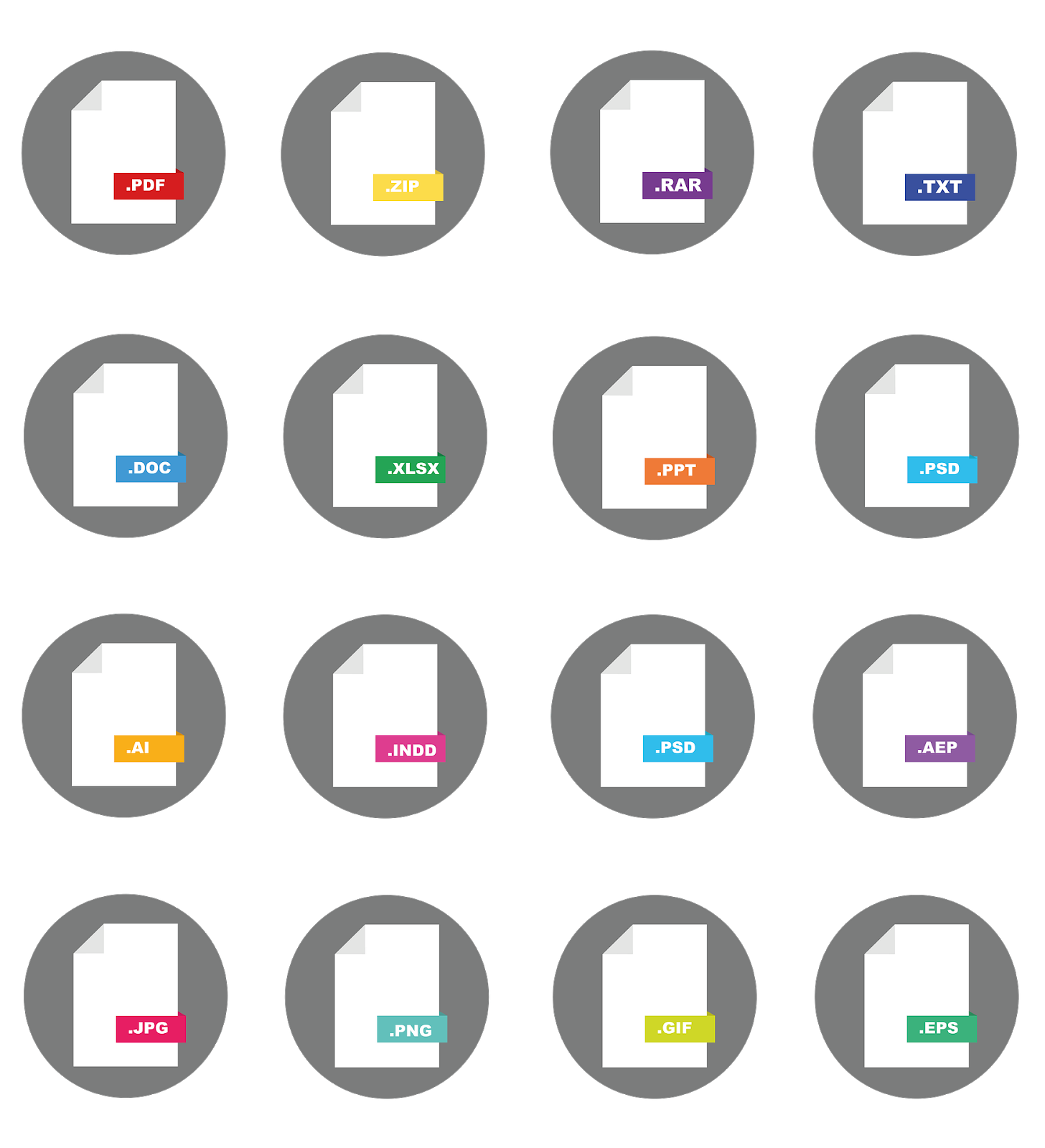
The most used file types are:
|
TYPES |
FILES |
 |
|
|
OF TEXT |
txt |
Plain text document (unformatted) |
|
|
doc |
Formatted text document |
||
|
SPREADSHEET |
xls / ods |
Spreadsheet document |
|
|
OF IMAGE |
jpg |
For digital images with understanding and loss |
|
|
gif |
For animated images |
||
|
png |
For comprehensive and lossless graphic format |
||
|
OF VIDEO |
mp4 |
Capable of storing multimedia content such as audio, video and subtitles |
|
|
avi |
Audio and video container |
||
|
AUDIO |
mp3 |
Standard music container with compression |
|
|
wav |
Digital audio format with or without compression |
||
|
COMPRESSED FILE |
zip |
Compression format developed by WinZIP |
|
|
rar |
Most efficient compression format developed by WinRAR |
||
|
READING |
|
Document extension that protects style and prevents modifications |
|
|
epub, ibook |
Extention to read digital books |
Document management
Download. To download a document, select it and right-click on the “Save as” option. You must indicate where to save it and with what name.
Backups. Unexpected incidents often occur, so it is advisable to make backup copies and not save important information only on your computer. You can save it to a storage device or to the cloud.
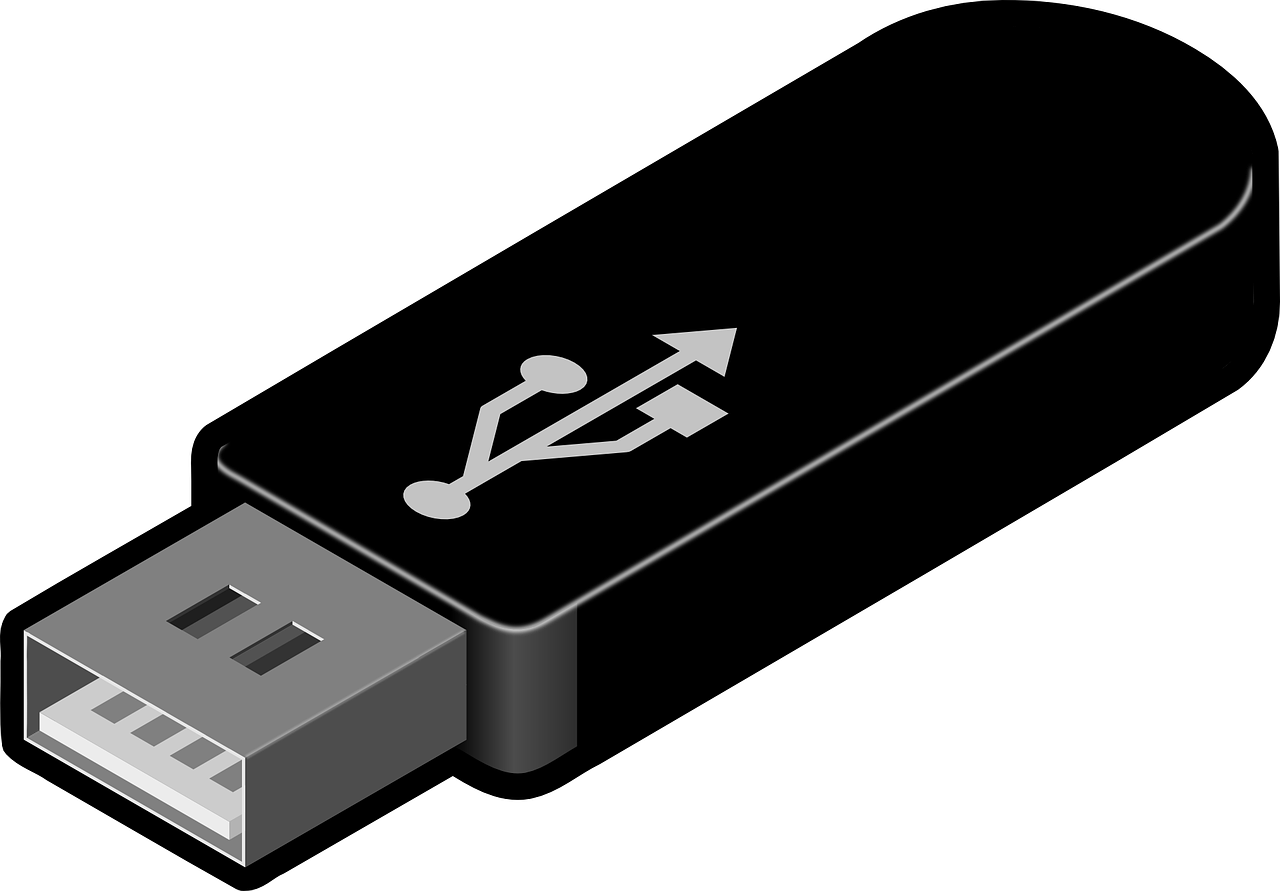
Pen drive and external hard drives. You can save information on storage devices such as pen drives or external hard drives to protect your files. To do this, insert it through the USB port, select the document you want to save and right-click, then choose the “send to” option and within this click on the storage device you have chosen.
To retrieve or read the information contained on a storage device, insert it into the USB port (port image) of the computer, select it and open the information it contains. Finally, double-click on the documents you want to access them.
Downloaded documents, not all the documents you download can be modified, but if so, to be able to modify it you must click on “View” and then select “Edit document”.
Scan documents with our mobile device, there are many applications to scan documents with your mobile, for example, “CamScanner PDF Scanner, Document Scanner”. Download the app and use it to scan photos and documents, export them to PDF and share them.
Program management
To use and download computer programs, the most important thing is to always use the official website.
Once the software has been downloaded to our computer, we must follow the instructions of the installation program, which usually have several steps where we can customize the installation (we can choose where to install the application and some other settings). Sometimes it is necessary to restart the computer.